
- Open up UKG
- Click on Main Menu.
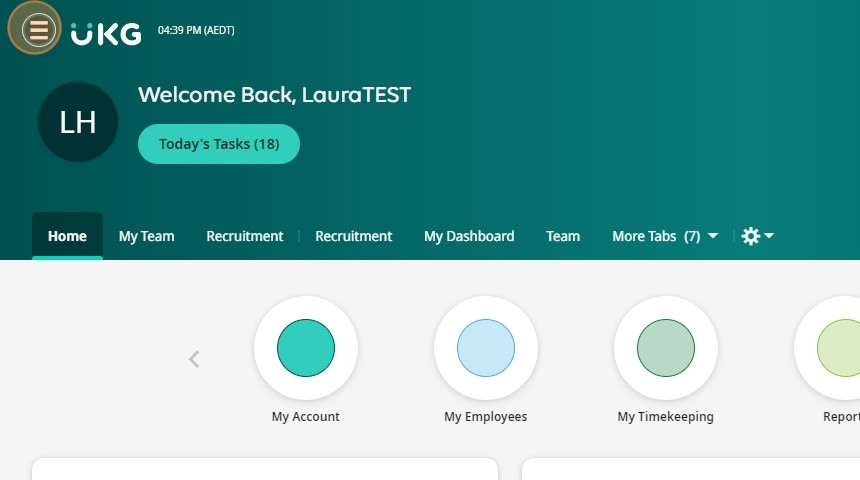
- Start typing the name of the person
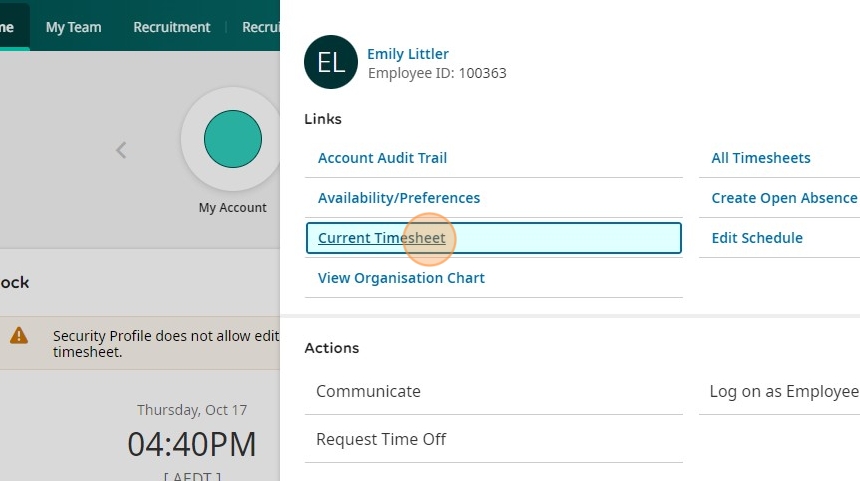
- Click on the icon next to their name

- Click "Current Timesheet"
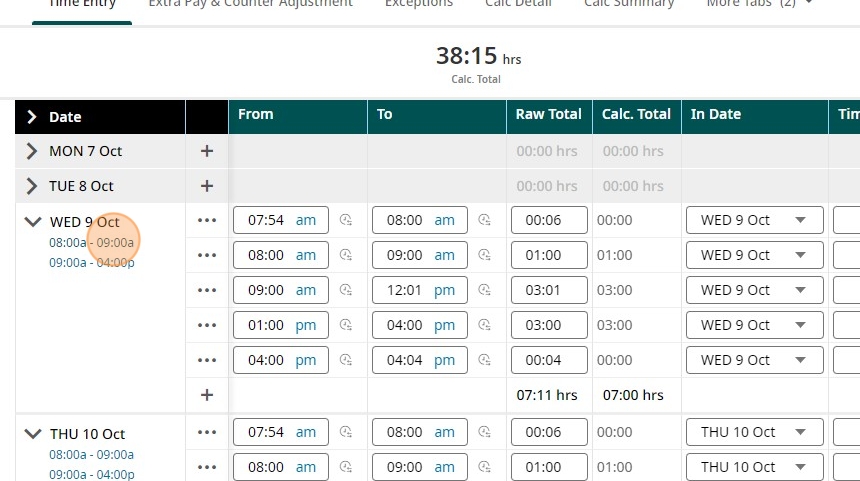
- Click on the blue schedule for the date on you want to change the rate or cost centre
- Click the dropdown on the Cost Centres or Rate Set field as applicable
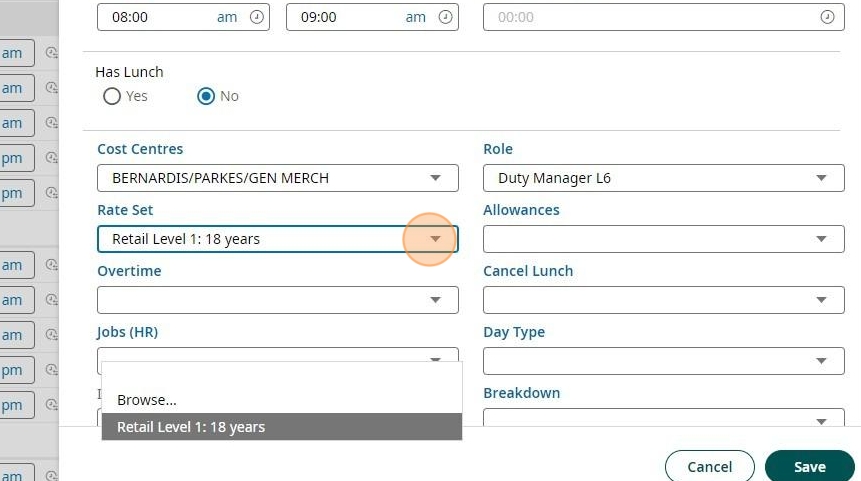
- Change it to the correct Cost Centre or Rate
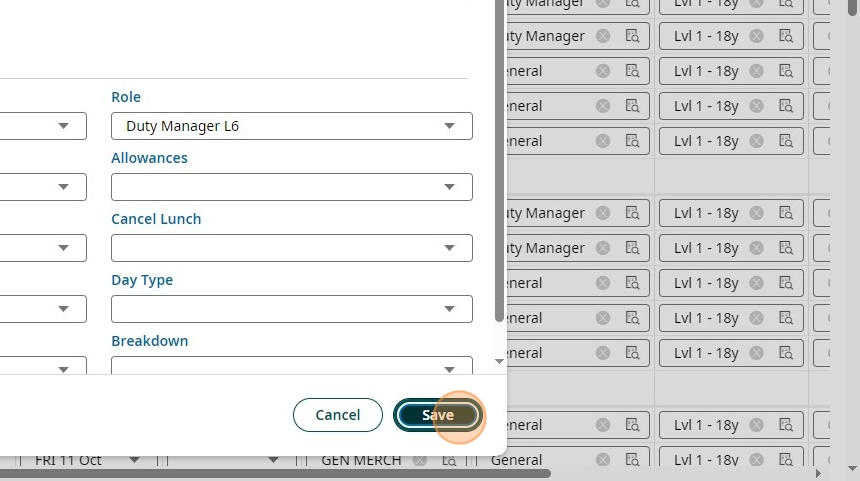
- Click "Save"
Was this article helpful?
That’s Great!
Thank you for your feedback
Sorry! We couldn't be helpful
Thank you for your feedback
Feedback sent
We appreciate your effort and will try to fix the article